
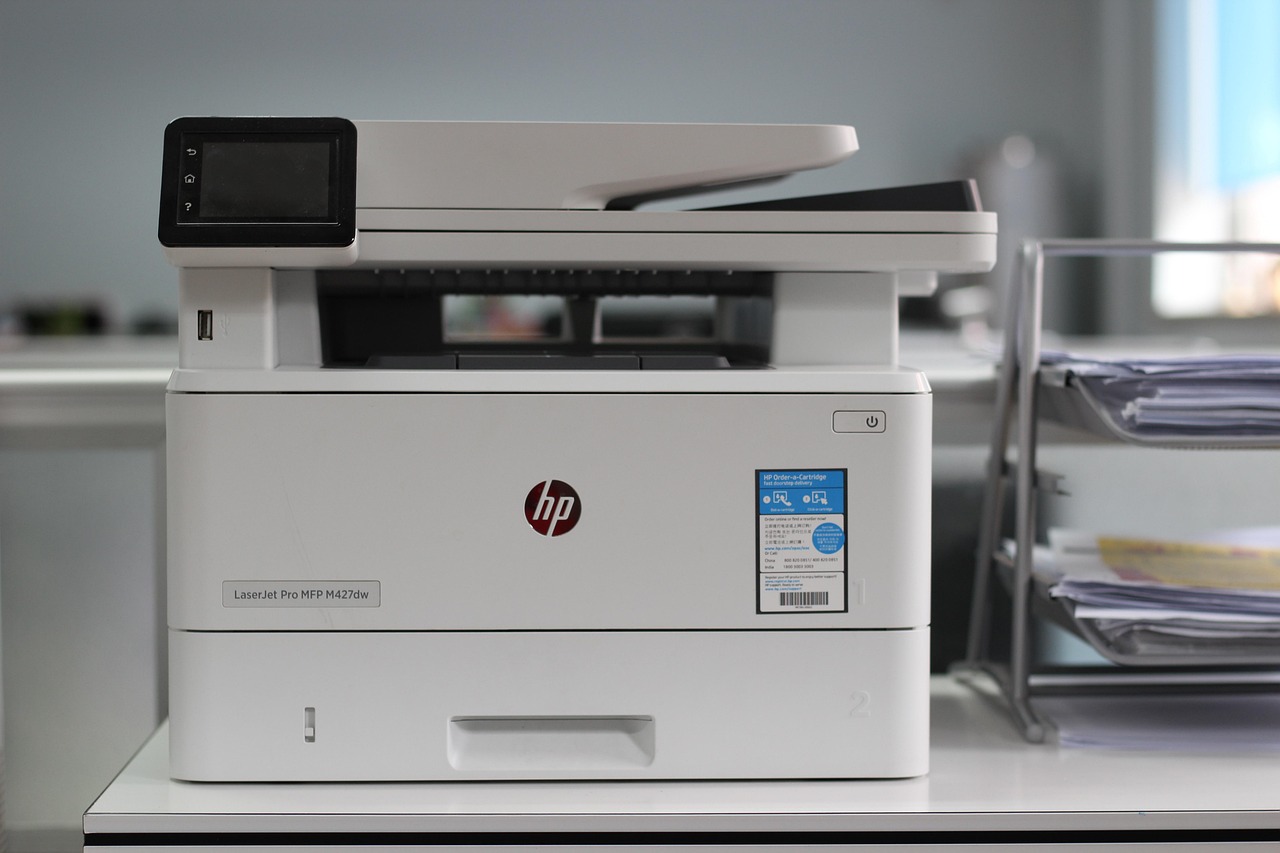
 If you're a small business owner in Knoxville, Maryville, Oak Ridge, or anywhere in East Tennessee, you probably don’t think of your office printer as a cybersecurity risk.
But it is.
In fact, printers are one of the most overlooked—and most exploited—entry points hackers use to access small business networks.
🖨 Why Hackers Love Small Business Printers
Most printers are:
- Connected to your company network
- Left with default admin passwords
- Rarely updated with security patches
This makes them a perfect target for cybercriminals who are looking to steal payroll records, client contracts, financial reports, and more.
Real Risks of Unsecured Printers:
- Stored Data Theft: Every scanned, printed, or copied document is stored on the printer’s internal drive. That includes payroll files, tax forms, and customer data.
- Default Passwords: If your printer still uses “admin/admin” or “123456,” it’s basically an open door.
- Network Vulnerabilities: A compromised printer can give hackers access to your Wi-Fi network and connected devices.
- Intercepted Print Jobs: Without encryption, sensitive files can be hijacked before they even print.
- Outdated Firmware: No updates = no protection against known security flaws.
- Data Leaks from Disposal: Even after you discard a printer, hackers can mine its memory for old records if it’s not wiped clean.
🚨 Why East Tennessee Businesses Are Especially at Risk
Most local businesses with 10+ employees don’t have a full-time IT department. That means devices like printers are set up once—and forgotten.
Hackers know this. And they exploit it.
We’ve worked with businesses in Sevierville, Jefferson City, and Knoxville who didn’t realize they had a printer problem until their network was already compromised.
🔒 7 Quick Ways to Secure Your Printers Today
- Change Default Admin Passwords – Use a strong, unique password like you would for online banking.
- Update Firmware – Check for security patches and apply them regularly.
- Encrypt Print Jobs – Enable secure printing to prevent interception.
- Restrict Access – Use PINs or access codes for print jobs, especially sensitive ones.
- Clear Stored Data – Wipe old files stored on your printer’s hard drive.
- Use a Firewall – Put your printer behind a firewall just like your computers.
- Monitor Usage – Keep logs of printer activity and look for anything unusual.
✅ Let CD Technology Help You Lock Down Every Weak Spot
At CD Technology, we specialize in protecting small businesses across East Tennessee from overlooked cybersecurity threats—including your printers.
We provide:
- Managed IT services and support
- Email and network security
- Data protection and compliance services
- Secure device configuration and monitoring
📅 Schedule your FREE 10-minute Network Security Assessment today and make sure your office printer isn’t the weakest link in your cybersecurity.